Platform · AI
AI works inside each step: it builds templates, reads gauge photos, and answers questions about your data. You review everything it does, every answer shows its sources, and your data is never used to train models.
Never used to train modelsYou review before anything applies
In the builder
Describe the inspection you need, “quarterly rooftop PV round, IEC-style”, and start from a structured draft, not a blank page.
Drop in the PDF, Word or Excel checklist you use today; get back an editable template with sections, types and logic inferred.
“Add a photo requirement to every failed check” Describe the change, review the diff, apply across one template or fifty.
In the field
Point the camera at a gauge, meter or nameplate. The value lands in the field, the photo stays as evidence.
Talk through a finding with gloves on; it lands as clean, searchable text on the record.
When a check fails, AI drafts the finding title and severity from the photo and answer, inspector confirms, never retypes.
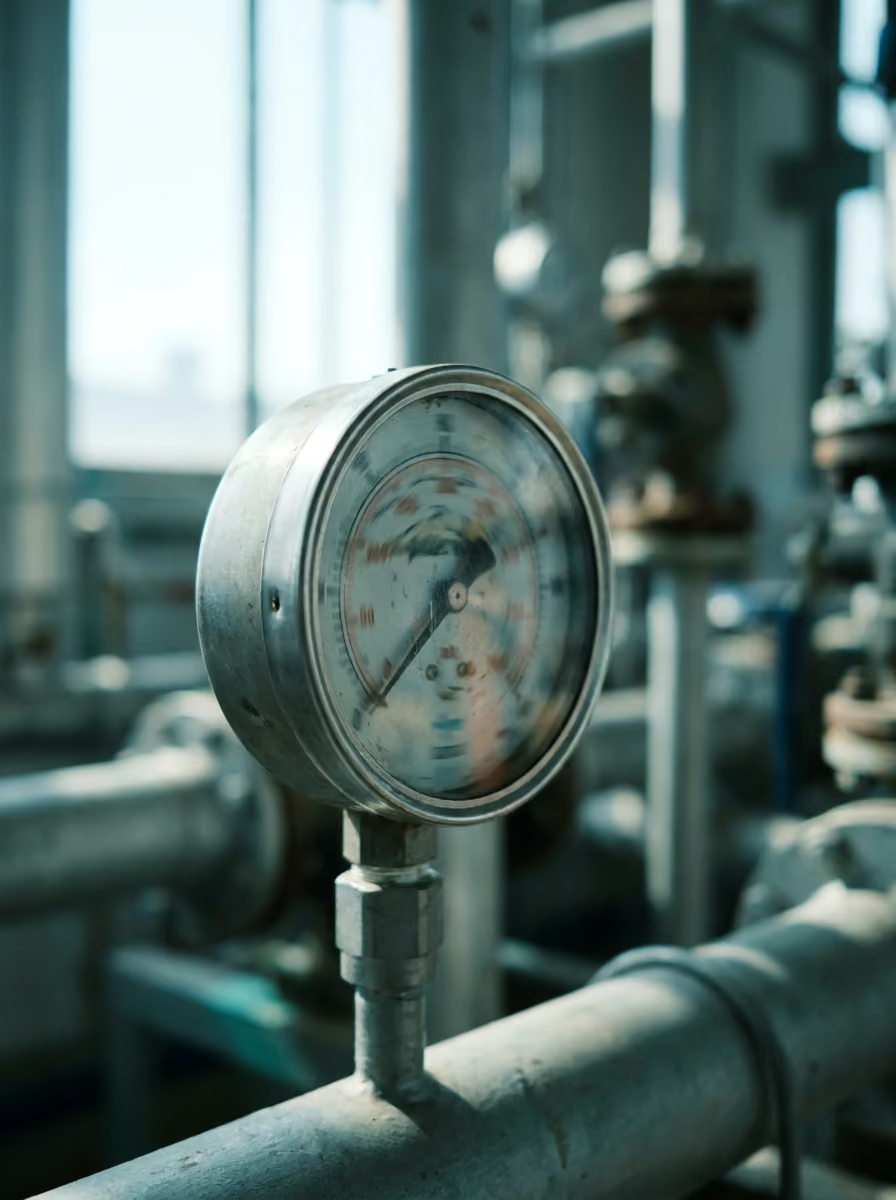 AI · reading gauge−18.4 °C
In analytics
“Which sites failed a CCP check more than once this quarter?”, answered from your workspace in seconds.
Ask AI doesn’t just write a paragraph. It builds the chart that answers the question, cited to the records behind it.
Pin any generated chart as a predefined widget. It stays live and refreshes with every new inspection.
Watching the data Coming
A site sliding from 94% to 88% to 81% gets flagged after the second drop, not discovered at renewal.
The same question failing across sites is a process problem; AI surfaces the cluster with the records behind it.
Automatic blurring of faces and plates in report photos, also on the roadmap.
Trust
Your inspections, photos and findings are never used to train models, ours or anyone else’s.
AI drafts, suggests and extracts, a person approves. Diffs before edits, taps before values commit.
Ask AI answers carry their sources; extractions keep the original photo. Nothing is unverifiable.
FAQ
AI form builder, file-to-form, Edit with AI, photo data extraction, voice to text and Ask AI. Anomaly insights and PII blurring are on the roadmap.
Build and capture AI is included on all paid plans; Ask AI and anomaly insights ship with Growth and above.
Yes, per workspace or per feature. Some regulated customers run with extraction on and generation off.
Everything lands as a suggestion: misread gauge values are one tap to correct, template edits show a diff first, and Ask AI links its sources so you can check.
File-to-form is the fastest way to feel it. Your PDF becomes a working template in the demo.
Guided trial with your own dataReply within one business day